
Case Study
Audi ADAS HMI
Designing a next-generation driver assistance experience that translated complex environmental data into clear, real-time safety signals.

Audi ADAS HMI

HMI
Audi’s driver assistance systems needed a more unified HMI that could communicate lane guidance, vehicle spacing, and hazard awareness with greater clarity across multiple driving scenarios.
I led UX from research through delivery, helping shape a more cohesive visual language for ADAS across key assistance contexts such as adaptive cruise, emergency response, turn support, and intersection awareness.
Background
Designing clarity at highway speed.
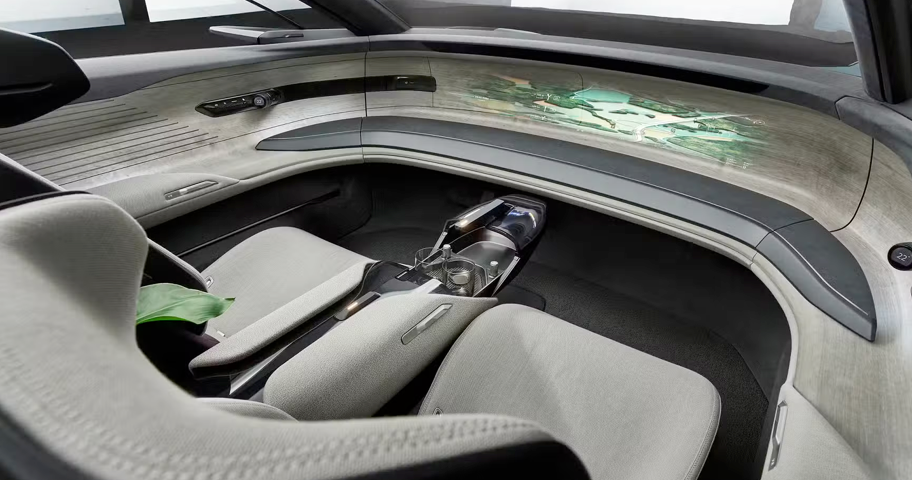
Modern driver assistance systems process a constant stream of environmental inputs — lane position, nearby vehicles, distance, speed changes, and crossing hazards — while the driver has only moments to understand what matters.
The challenge was not simply adding features. It was designing a system that could translate complex perception data into clear, glanceable guidance that supported trust, awareness, and quick decision-making in motion.
Problem
Too much signal, not enough clarity.
- Assistance features communicated with inconsistent visual patterns and priorities
- Alert hierarchy was not always clear in time-sensitive driving moments
- Designs needed to scale across HUD, instrument cluster, and center display
- Drivers needed immediate clarity, not more visual noise
As features such as adaptive cruise, emergency intervention, and turn support became more capable, the HMI needed to feel like one coherent assistance system rather than a collection of separate behaviors.
Discovery
Understanding how drivers perceive and react in motion.
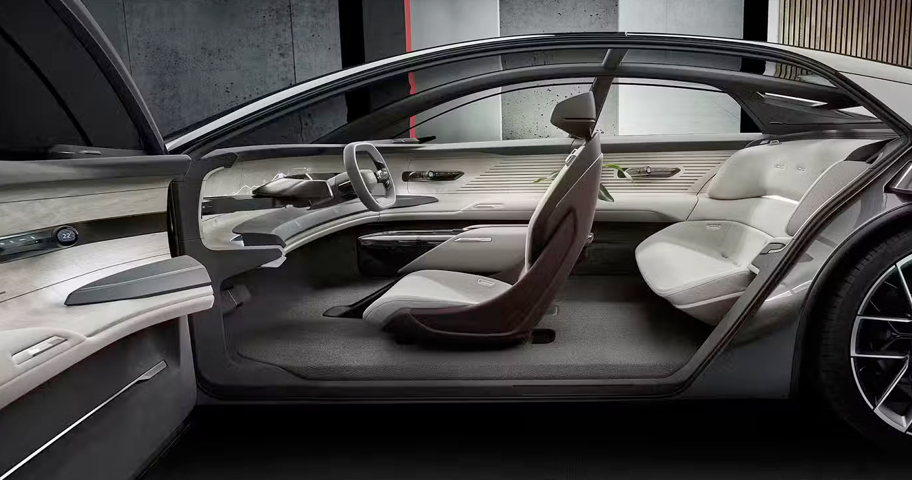
- Studied how drivers perceive lane, distance, and hazard feedback at speed
- Collaborated with human factors and engineering partners on system behavior and constraints
- Reviewed how assistance states changed across scenarios such as cruising, turns, and emergency response
- Focused on glanceability, timing, and signal priority rather than screen density alone
- Used Dovetail AI to review driver testing videos, accelerate transcript review, tag recurring reactions, and pull out patterns in confusion, trust, and response timing
One core insight emerged early: drivers do not parse detailed interfaces while moving. They react to spatial signals, timing, and hierarchy. The HMI had to communicate meaning almost instantly.
During driver testing, video review became a critical research input. Dovetail AI helped accelerate the review of user research videos by supporting transcript generation, tagging, and synthesis across repeated driving scenarios. That made it easier to compare how drivers responded to lane guidance, object awareness, alert escalation, and emergency states without losing the nuance of real road behavior.
Strategy
Reframing ADAS as a communication system, not just a feature set.
- Unify the visual language across adaptive cruise, lane guidance, and hazard alerts
- Define a clear hierarchy for informational, caution, and critical system states
- Create a shared mental model that could scale across HUD, cluster, and center display
- Reduce cognitive load by presenting only the signal needed for the driving moment
Rather than designing isolated features, I approached the work as a communication system — one that could make adaptive cruise support, emergency response, turn awareness, and other driver assistance behaviors feel legible, predictable, and consistent. Research video synthesis through Dovetail AI helped connect those strategy decisions back to observed driver behavior instead of relying only on interface critique.
Solution
Building a clearer, more responsive ADAS HMI.



- Designed spatial lane and distance cues to support cruise and lane guidance scenarios
- Created stronger escalation behavior for caution and critical alerts
- Clarified turning and crossing situations through simplified spatial emphasis and timing
- Adapted the same core logic across multiple vehicle surfaces while preserving consistency
- Focused every state on a single question: what does the driver need to understand right now?
Design System
Designing for safety, consistency, and scalability.
A major part of the work was defining a scalable visual and behavioral system for in-vehicle assistance. The goal was not just consistency in appearance, but consistency in meaning.
- Defined spatial rules for lane, distance, and hazard feedback
- Established motion, contrast, and hierarchy standards for assistance states
- Created reusable patterns that could scale across different display surfaces
- Produced implementation-ready guidance for cross-functional delivery
The result was a stronger foundation for future programs, with clearer system behavior and a more unified ADAS experience.
Impact
Reducing cognitive load in moments that matter.
- Improved clarity of assistance feedback across key driving scenarios
- Reduced cognitive load in fast-moving, high-attention moments
- Created a more scalable foundation for future ADAS programs
- Strengthened alignment across design, engineering, and system behavior
My Role
Leading the UX from research through final delivery.
- Led UX design from research through final concept delivery
- Defined system-level interaction patterns for ADAS communication
- Partnered with human factors, engineering, and cross-functional stakeholders
- Created scalable design guidance for future in-vehicle assistance work
- Used Dovetail AI to support synthesis of driver testing videos and turn research signals into design direction
Credits / Team: UX, Human Factors, Hardware Engineering, ADAS Product Leads
Tools: Figma, Dovetail AI, Blender, prototype simulators, user research video review, and real-drive testing analysis